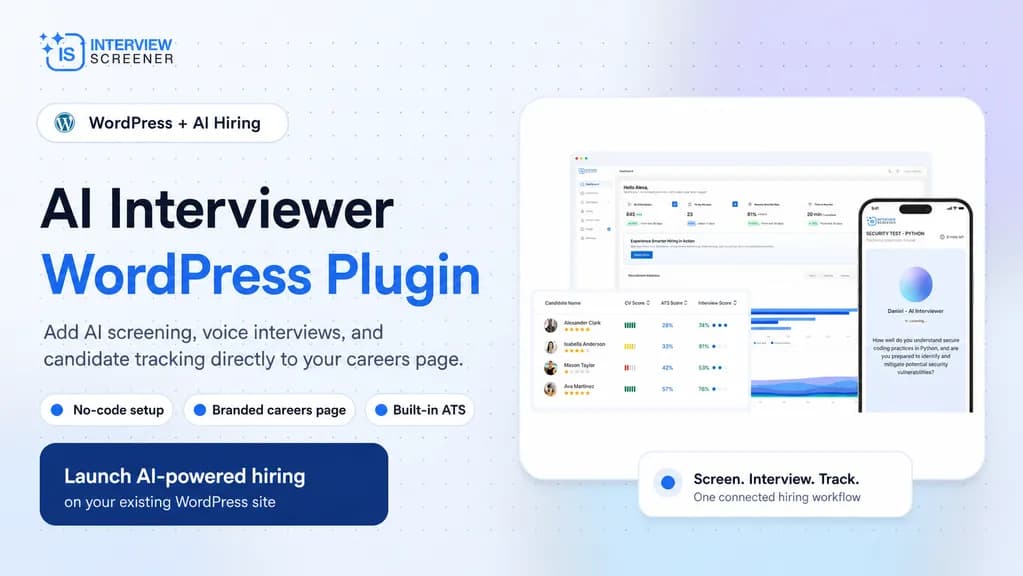
Recruiting teams running WordPress careers pages face a common bottleneck: applications pile up, but screening and interviews still happen manually. An AI interviewer WordPress plugin closes that gap. It connects your existing site to an AI hiring engine that screens resumes and conducts interviews automatically.
This guide explains what these plugins do, how they work, what to look for, and how to install one. It is built for HR teams, recruiters, and site owners evaluating recruitment automation for WordPress.
What Is an AI Interviewer WordPress Plugin?
An AI interviewer WordPress plugin is a software extension that adds automated candidate screening and AI-led interviews to a WordPress website. It links your careers page to an AI recruitment platform.
The plugin handles three core jobs:
- Publishing jobs directly on your WordPress careers page.
- Collecting and screening resumes as candidates apply.
- Running AI voice interviews with qualified applicants automatically.
Instead of redirecting candidates to a third-party portal, the entire hiring flow stays on your domain. This preserves your branding and improves the candidate experience.
How It Differs From a Standard Recruitment Plugin
A standard recruitment plugin for WordPress usually just posts jobs and collects applications. It stops at data capture.
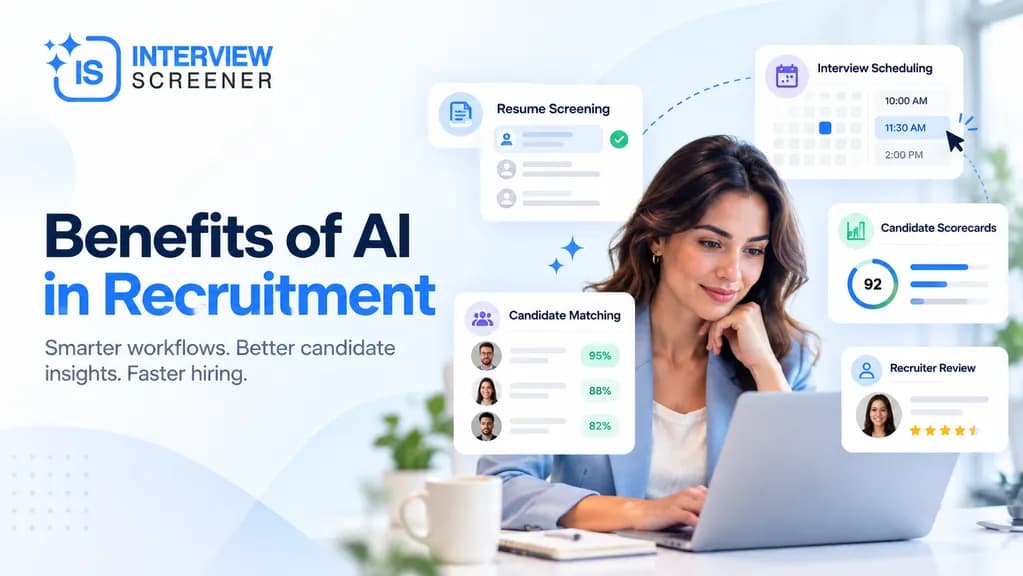
An AI interviewer plugin goes further. It evaluates each candidate, ranks them by fit, and conducts the first interview round without a human recruiter present.
How Does an AI Interviewer WordPress Plugin Work?
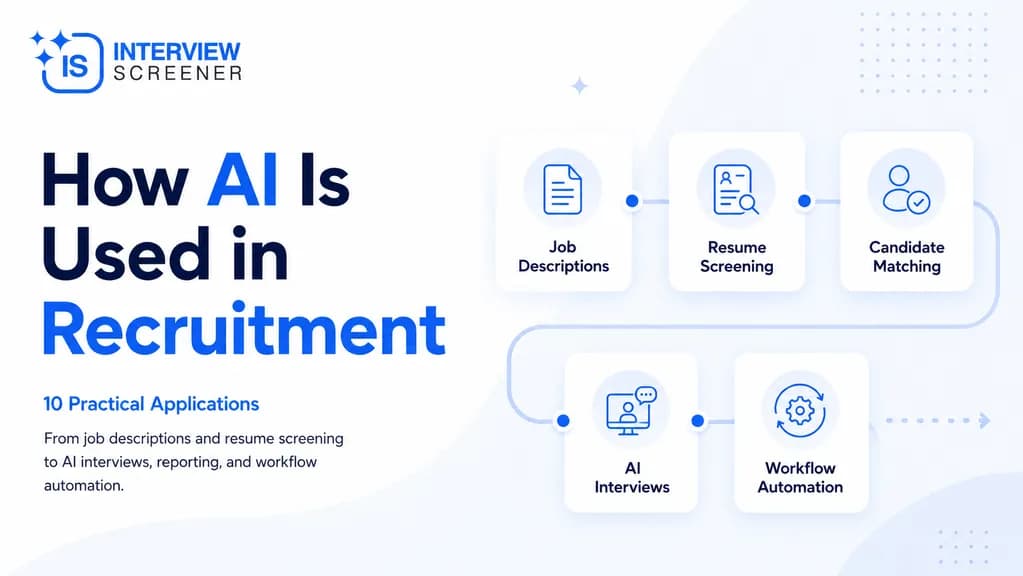
The workflow is linear and automated. Here is the typical five-step process:
- Create the job. You define the role. The AI generates a job description and interview questions, which you can edit.
- Set a screening threshold. You define the minimum score a candidate must hit to advance.
- Publish to WordPress. The job appears on your careers page. Candidates upload resumes directly.
- AI screens and interviews. Qualified applicants receive an interview link. The AI conducts a voice interview and records responses.
- Review the report. You receive a scored report with strengths, gaps, and a recommendation.
What the AI Evaluates
Quality plugins score candidates across defined dimensions rather than keyword matching alone. Common evaluation criteria include:
- Education fit — relevance of academic background.
- Skills match — alignment with role requirements.
- Experience relevance — applicability of past work.
- Overall potential — projected success in the role.
This structured scoring reduces bias. The AI evaluates qualifications, not names, gender, age, or appearance.
Why Add AI Screening to Your WordPress Careers Page?
Manual hiring does not scale. A single role can attract 400+ applications, and most are not worth a recruiter's time. AI screening solves the volume problem.
Key benefits include:
- Speed. Screen hundreds of resumes in minutes instead of hours.
- Consistency. Every candidate gets the same standardized interview.
- Cost control. Usage-based tools charge per CV and per interview minute, avoiding fixed seat licenses.
- Branding. Interviews happen on your domain, not a generic portal.
- Availability. Candidates interview 24/7, on their own schedule.
- Reach. Multilingual support widens your talent pool beyond English speakers.
The Candidate Experience Advantage
Candidates increasingly expect fast, flexible hiring. Async AI interviews let applicants respond late at night or across time zones. This eliminates scheduling friction, a frequent source of drop-off.
Must-Have vs. Nice-to-Have
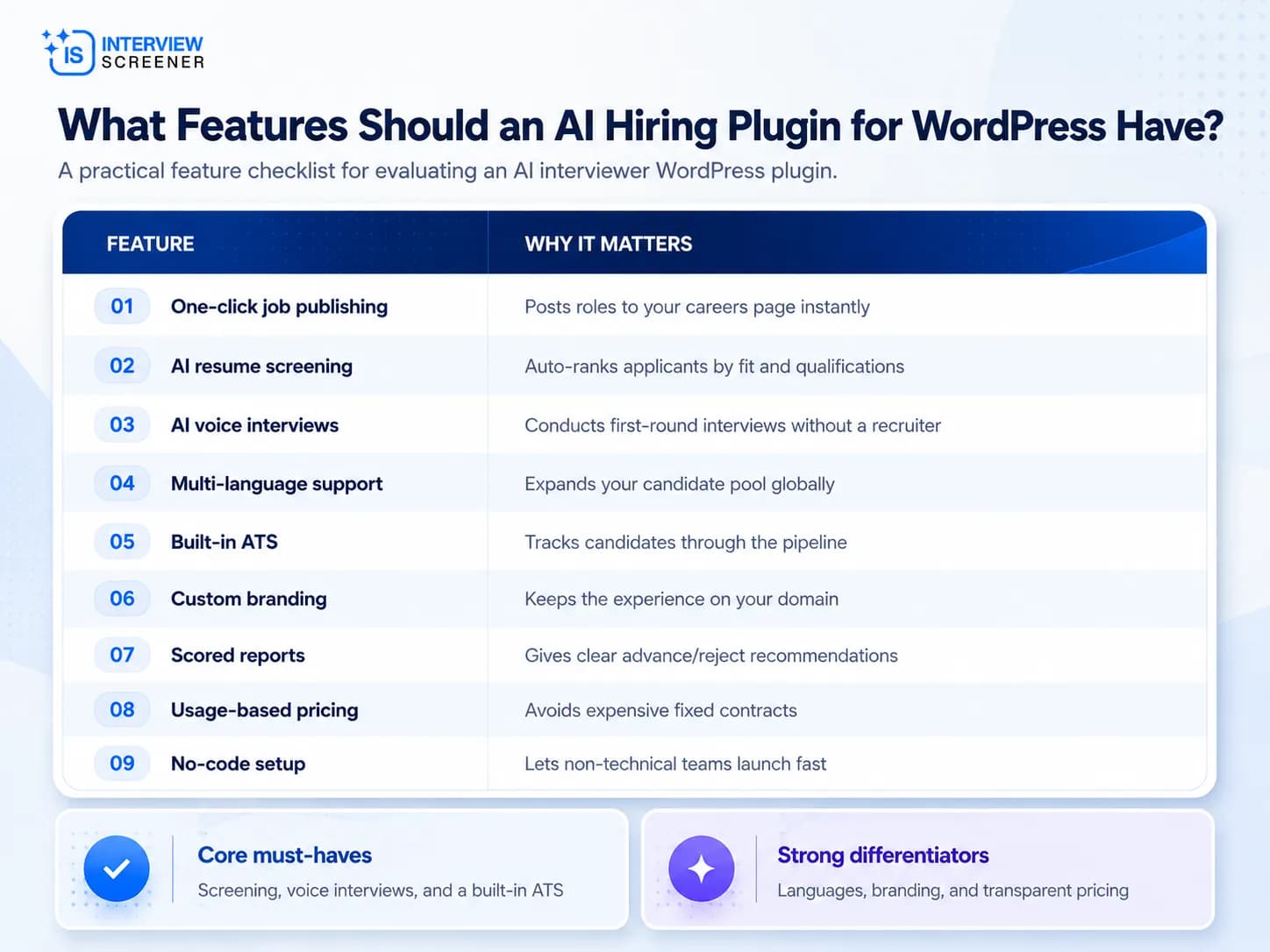
Treat AI screening, AI interviews, and an integrated ATS as must-haves. Without all three, the plugin only partially automates hiring.
Multi-language interviews and custom voice selection are strong differentiators. If you hire internationally, they move from nice-to-have to essential.
How Do You Add an AI Interviewer to WordPress?
Installing an AI hiring plugin is straightforward. Most modern tools require no development work.
The general process is:
- Sign up for an AI recruitment platform account.
- Install the plugin from the WordPress plugin directory or upload the file.
- Connect your account using an API key or login.
- Configure the careers page by selecting a page or embedding a shortcode.
- Publish your first job and share the link.
Teams commonly report a live careers page in under an hour. No CSS or PHP editing is typically required.
Common Setup Considerations
- Hosting: Ensure your WordPress host supports standard plugin installs.
- Permissions: You need administrator access to install plugins.
- Page placement: Add the careers page to your main navigation for visibility.
Who Should Use a Recruitment Plugin for WordPress?
AI interviewer plugins fit any organization that hires through a WordPress site. They are especially valuable for:
- Startups hiring quickly with small HR teams.
- Agencies managing high applicant volumes across clients.
- SMBs without a dedicated ATS budget.
- Global teams hiring across multiple languages.
- High-volume roles in retail, tech, and support.
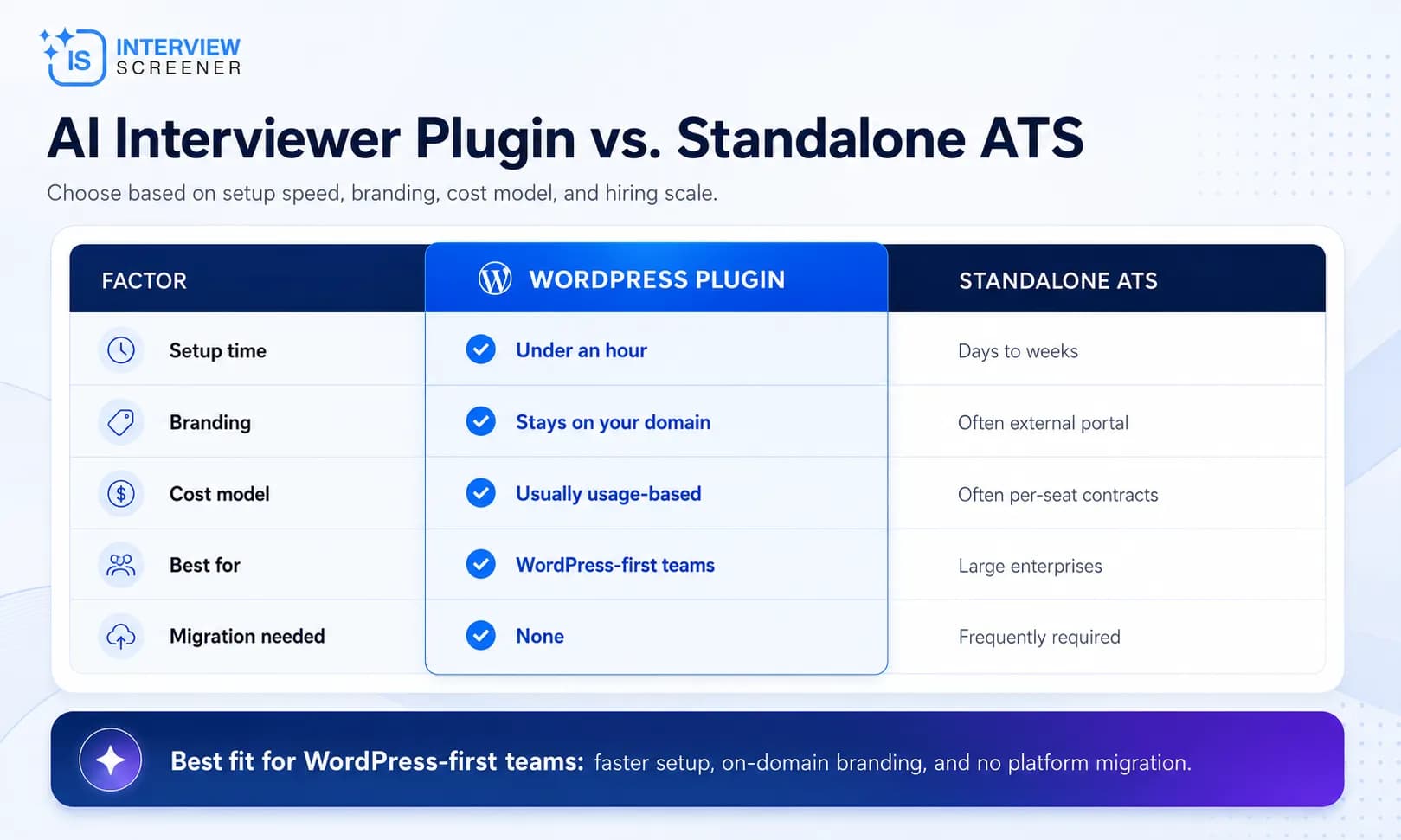
If your careers page already runs on WordPress, a plugin is the lowest-friction way to add AI hiring. You avoid migrating to a separate applicant tracking system.
Frequently Asked Questions
1. Do I need coding skills to install an AI interviewer WordPress plugin?
No. Most AI hiring plugins install like any standard WordPress plugin. You connect your account, embed the careers page, and publish jobs. Teams typically launch in under an hour without editing code.
2. Can an AI interviewer plugin conduct interviews in multiple languages?
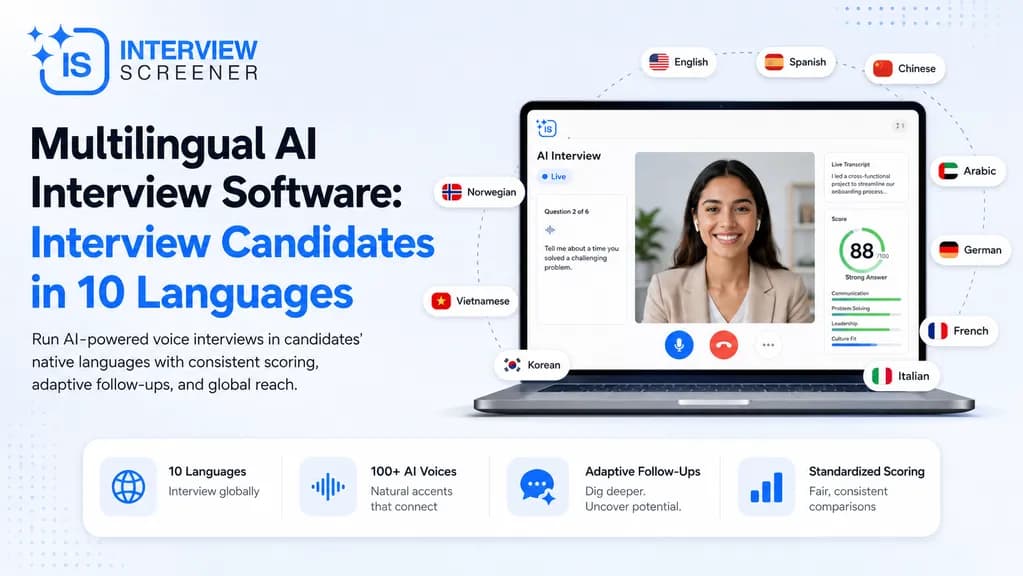
Yes. Leading plugins support multilingual interviews. Some offer interviews in 10 languages with 100+ AI voices, letting you screen candidates globally and include non-native English speakers in your pipeline.
3. Is AI-based candidate screening biased?
Well-designed AI screening reduces bias. It evaluates candidates on qualifications, skills, and job relevance rather than name, gender, age, or appearance. Every applicant receives the same standardized interview and scoring criteria.
4. How much does an AI hiring plugin for WordPress cost?
Pricing varies by provider. Usage-based platforms are the most transparent, charging per resume screened and per interview minute rather than fixed monthly seat fees. This lets small teams pay only for what they use.
5. Does the plugin include an applicant tracking system?
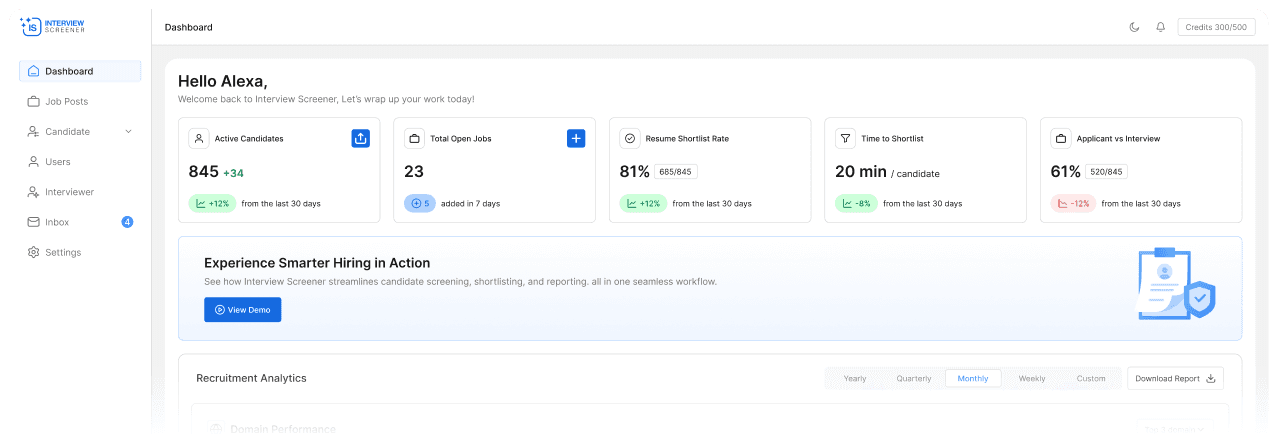
Many AI interviewer plugins include a built-in ATS. It provides pipeline management, status tracking, and candidate filtering, so you do not need a separate ATS subscription to manage applicants end to end.
An AI interviewer WordPress plugin turns a static careers page into a self-running hiring engine. It screens resumes, interviews candidates, and delivers scored reports automatically. For any team hiring through WordPress, it is the fastest path to AI-powered recruitment.
Ready to add AI screening to your WordPress site? Try the AI interviewer for free and launch your careers page in under an hour.